
Schedule WhatsApp messages, with attachments
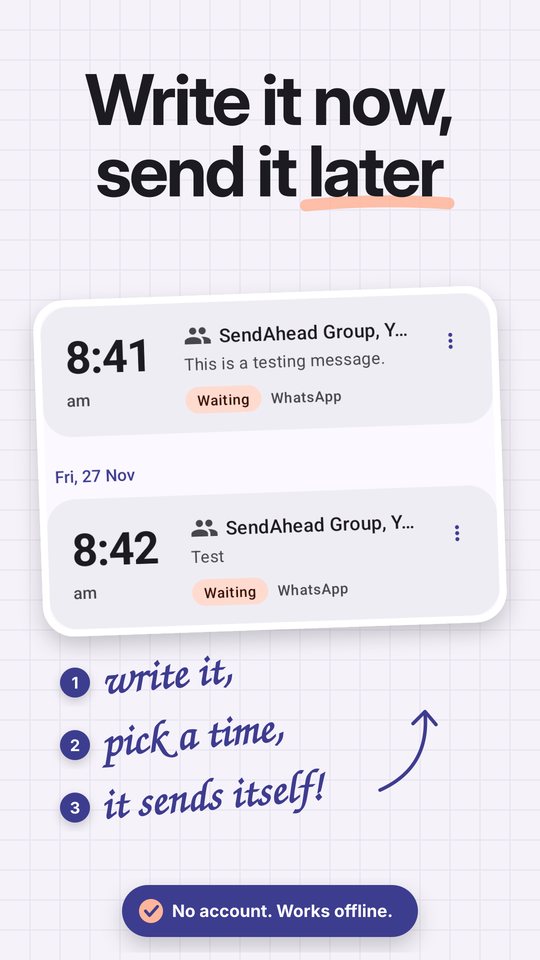
Birthday wishes at midnight, a reminder to a client first thing Monday, a file sent while you’re on a flight: write it now and SendAhead sends it at the right time.
Fully offline
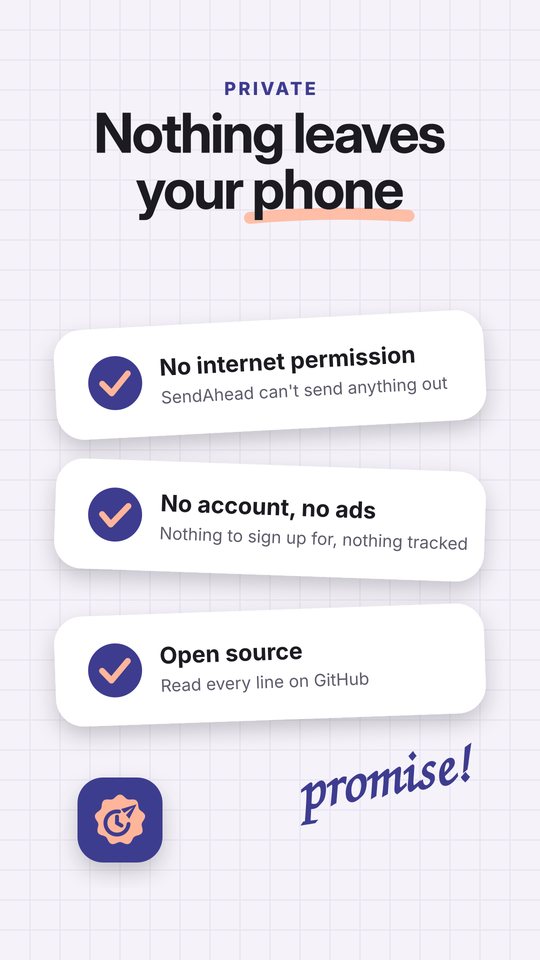
There’s no internet permission, no account and no server. Messages and files stay on your phone until WhatsApp sends them.
How it works
- An exact alarm fires at the time you picked.
- SendAhead opens WhatsApp with the chat and message filled in.
- Its accessibility service taps Send, then returns to the home screen. A notification tells you whether it was sent.
Setup
- Install the APK and open SendAhead.
- Tap Enable and turn on SendAhead auto-send in Accessibility settings. On Android 13+, you may need App info → ⋮ → Allow restricted settings first.
- Allow Alarms & reminders so messages go out on time.
- On Xiaomi, Oppo, Vivo and similar phones, set battery usage to Unrestricted.
FAQ
Can I schedule a WhatsApp message on Android?
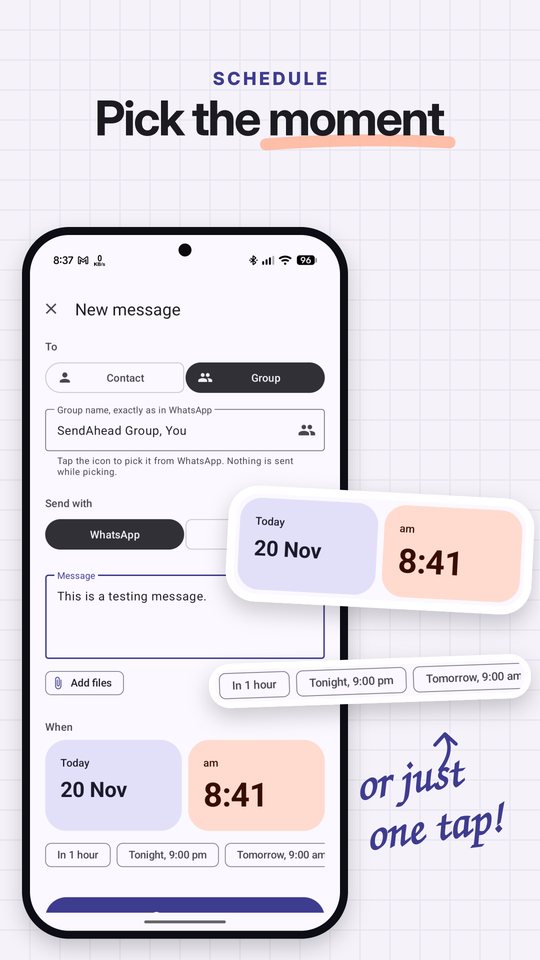
WhatsApp doesn't have a built-in scheduler. SendAhead fills that gap. You write the message, pick a date and time, and at that time it opens WhatsApp and taps Send for you.
Can I schedule messages to WhatsApp groups?
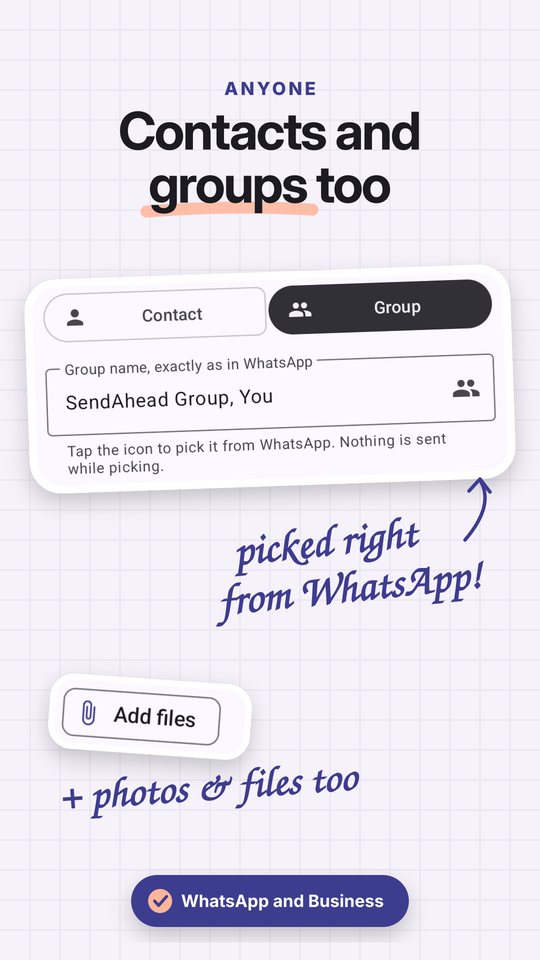
Yes. Pick a group or saved contact by name from WhatsApp's own chat list, or enter any number with its country code.
Does it work with WhatsApp Business?
Yes, you can send from WhatsApp or WhatsApp Business.
Why does it need Accessibility permission?
Only to tap WhatsApp's Send button at the scheduled time. SendAhead has no internet permission, so your messages and files never leave your phone.
Is it a free alternative to SKEDit?
Yes. SendAhead is free and open source, with no account and no ads.