
Switch apps without the recents screen
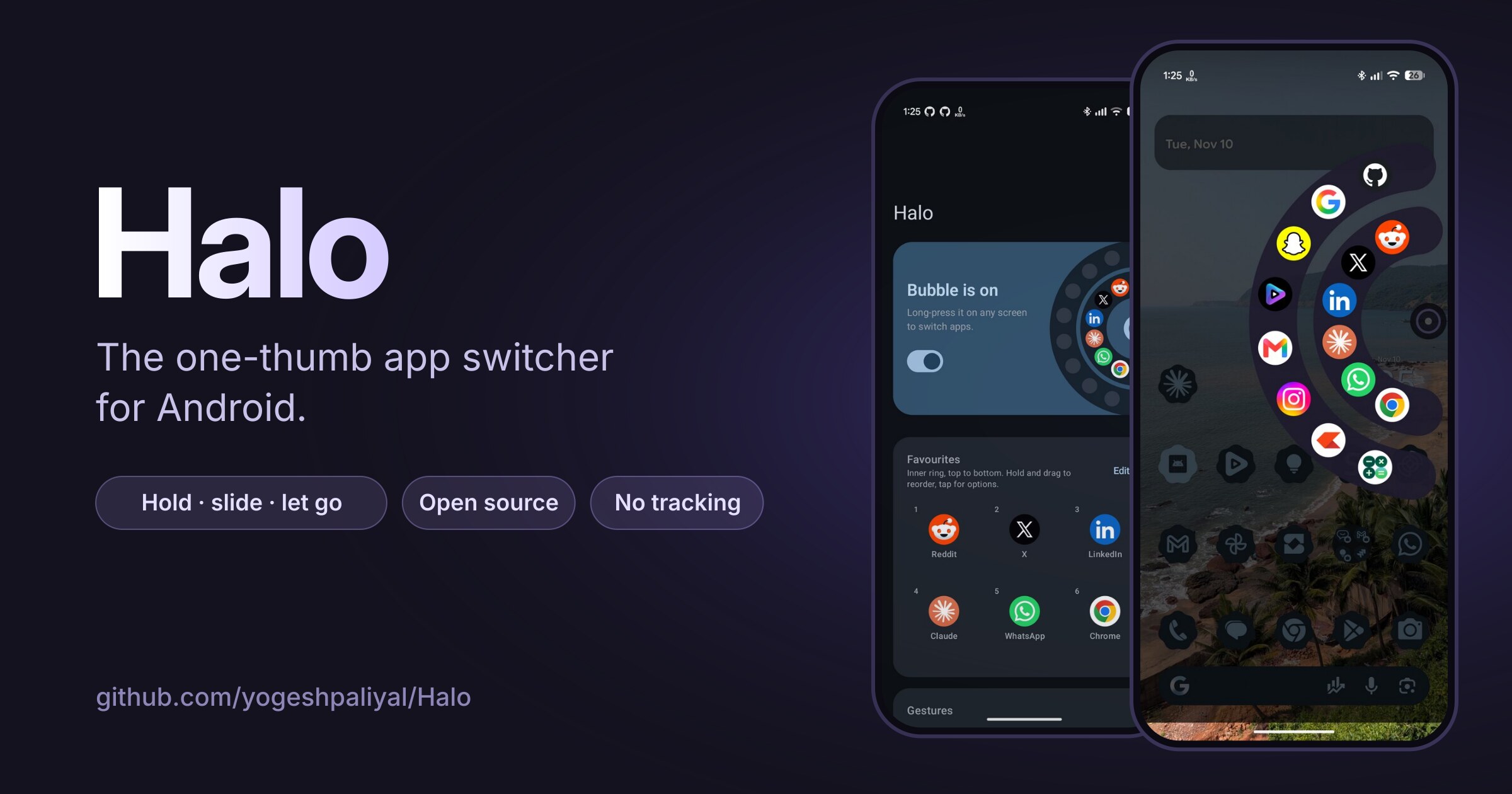
If you jump between the same handful of apps all day, the recents screen is a slow, full-screen detour every time. Halo puts a small bubble on the edge of your screen instead:
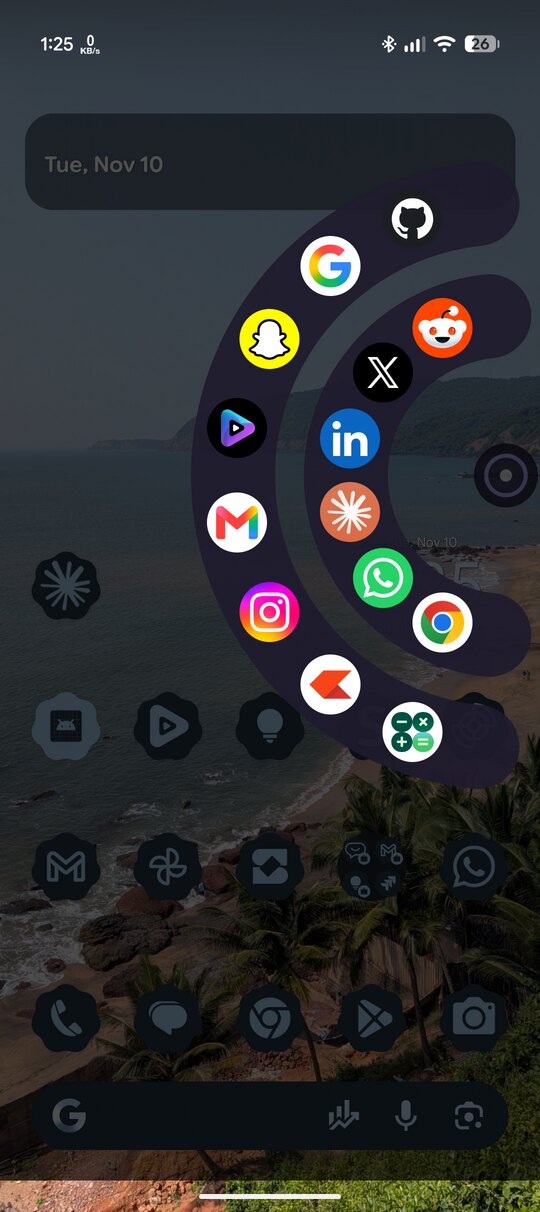
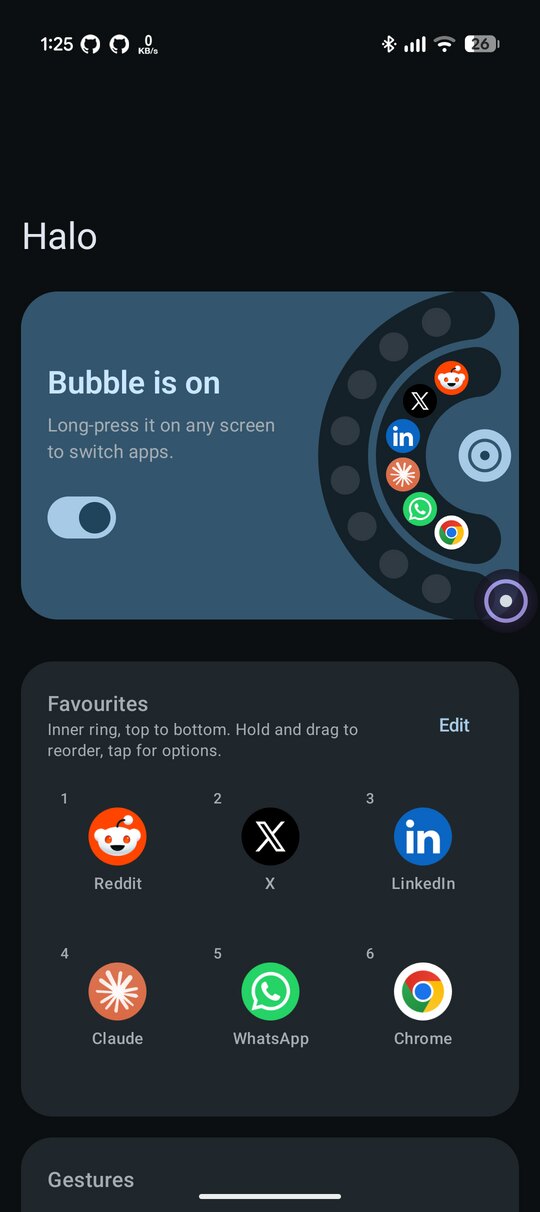
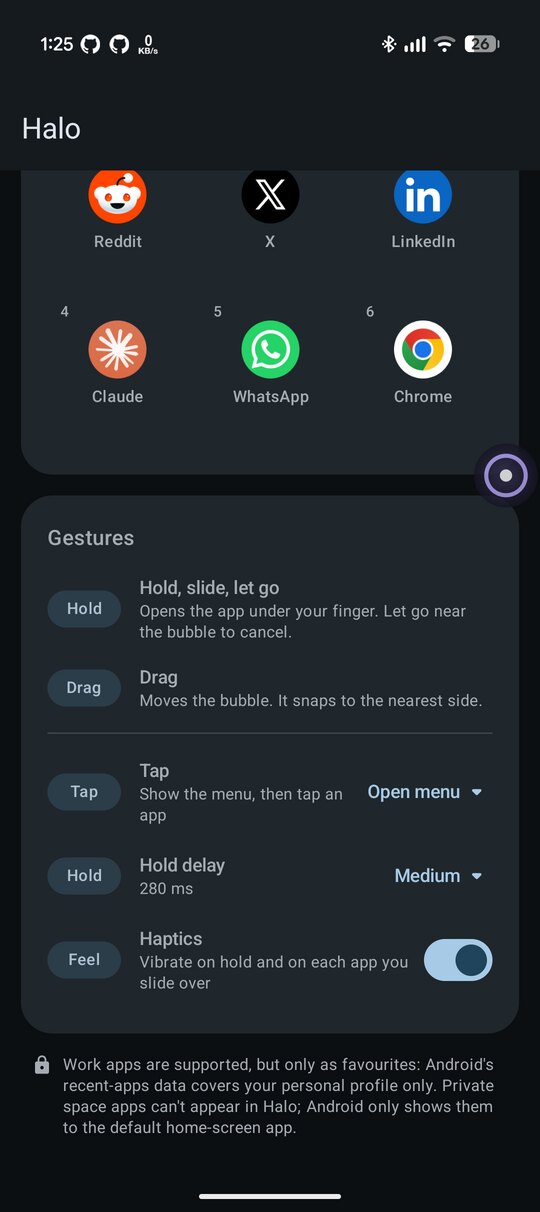
- Long-press the bubble and a radial menu opens, with your favourites on the inner ring and recent apps on the outer ring.
- Slide to an app (you feel a tick on each one) and let go to open it. Let go near the bubble to cancel.
- Tap to jump back to your previous app. Double-tap to go to the one before that.
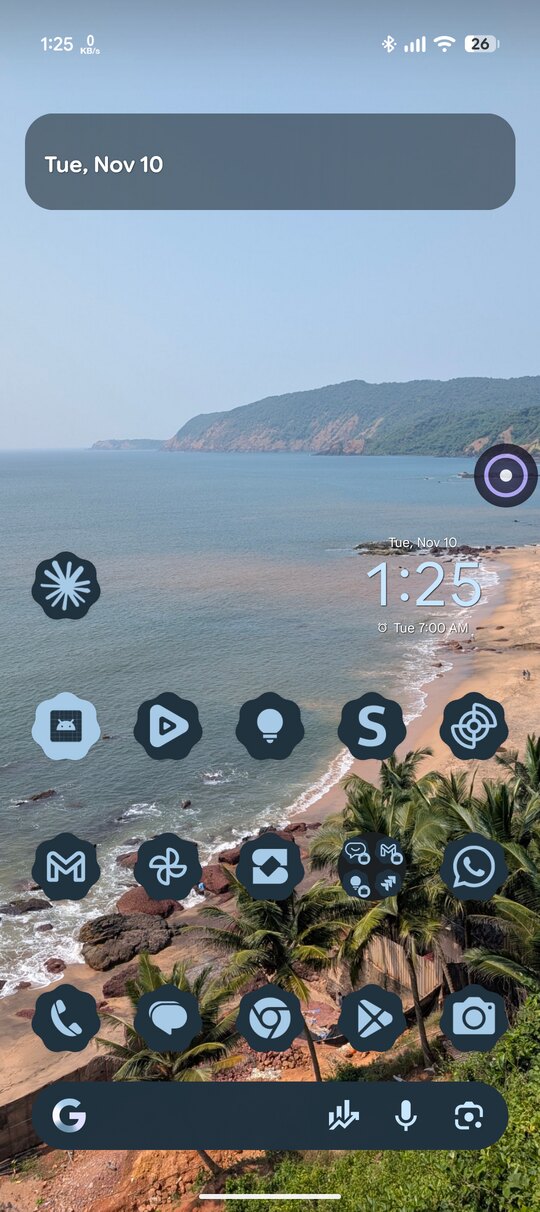
- Drag the bubble anywhere. It snaps to the nearest edge and remembers its position.
Private by design
Halo is open source and has no internet permission, so it can’t send anything off your phone. There are no ads, analytics or accounts.
Why I built it
Pixel phones don’t have an edge panel. The apps I tried were closed source, looked dated, or asked for Accessibility access, which is a lot of trust to give an app you can’t read. So I built Halo to do this one thing, in the open.
FAQ
Is there an edge panel for Pixel phones?
Pixel phones don't have Samsung's edge panel built in. Halo gives you a similar edge bubble on any Android phone. Long-press it to see your favourite and recent apps in a radial menu.
Does Halo need Accessibility permission?
No. Halo uses "Display over other apps" for the bubble and optional usage access for recent apps. It has no accessibility, internet, location, contacts, camera or microphone permissions.
Is Halo free?
Yes. Halo is free and open source, with no ads, no in-app purchases and no tracking.
Does it work with work profile apps?
Yes, work profile apps can be favourites and show a briefcase badge. Private space apps can't, because Android only exposes them to the default home app.