
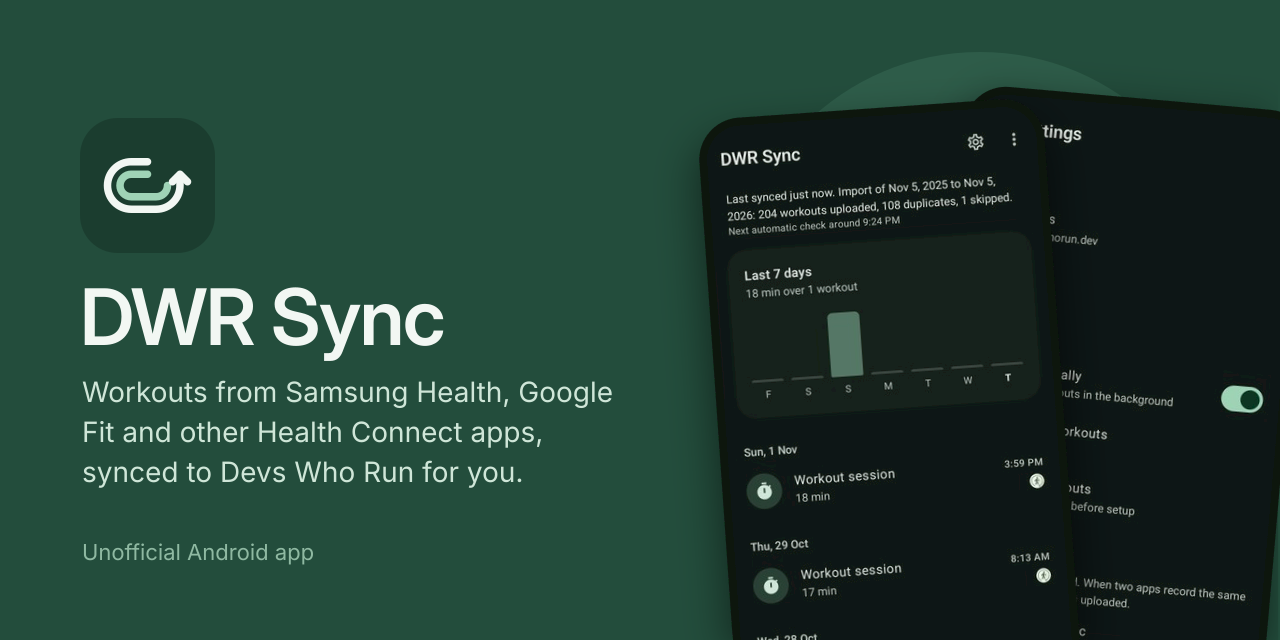
Workouts from any Health Connect app, synced automatically
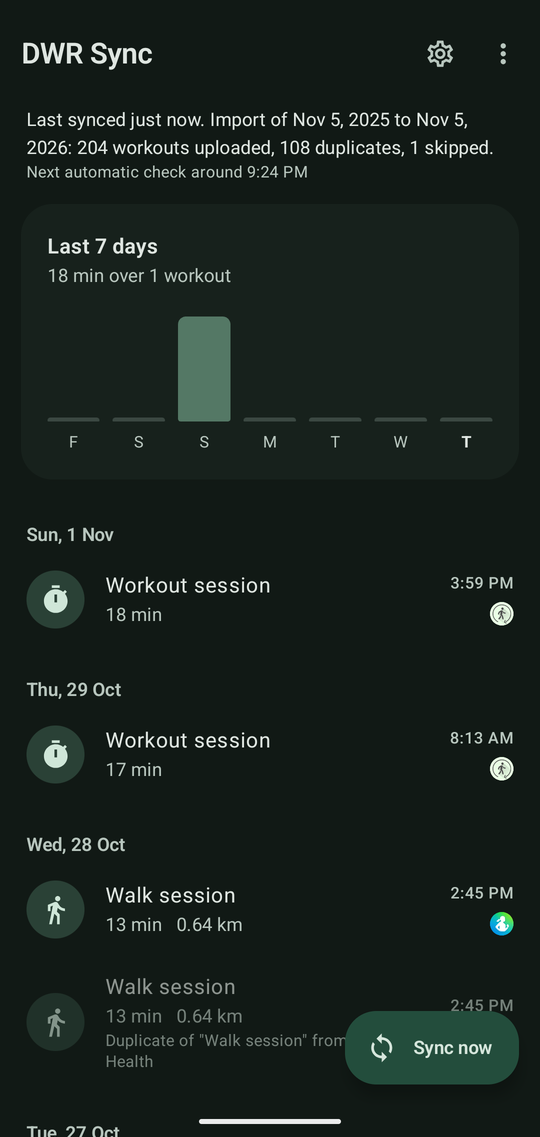
DWR Sync reads the workouts your fitness apps record in Health Connect, like Samsung Health, Google Fit or Health Sync. It uploads them to your Devs Who Run account in the background.
Setup in five steps
- Welcome: see what the app does.
- Health Connect: allow access to Exercise and Distance.
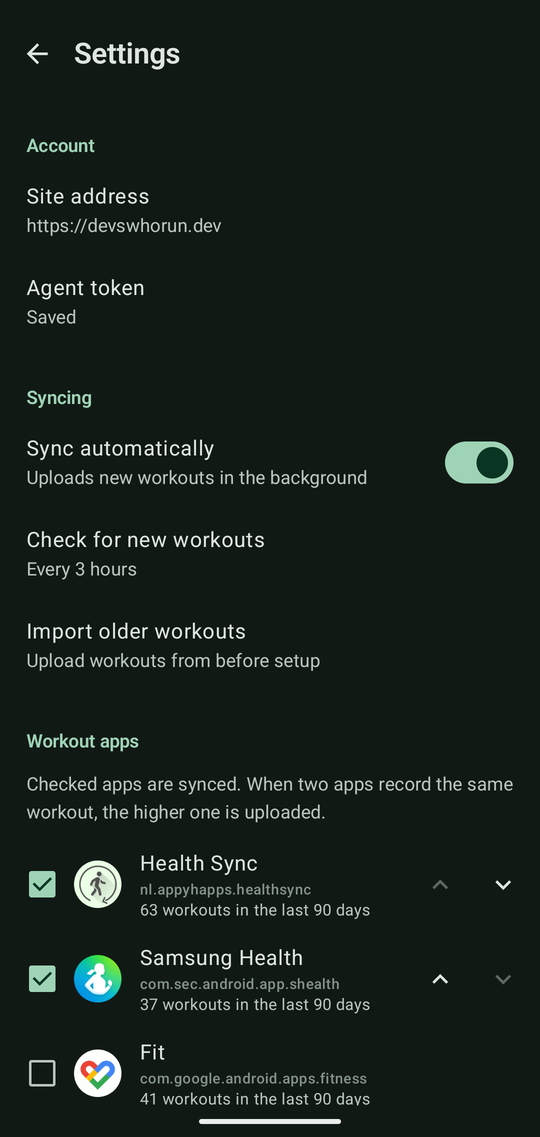
- Sources: tick the workout apps to sync and set their priority.
- Account: paste an agent token (
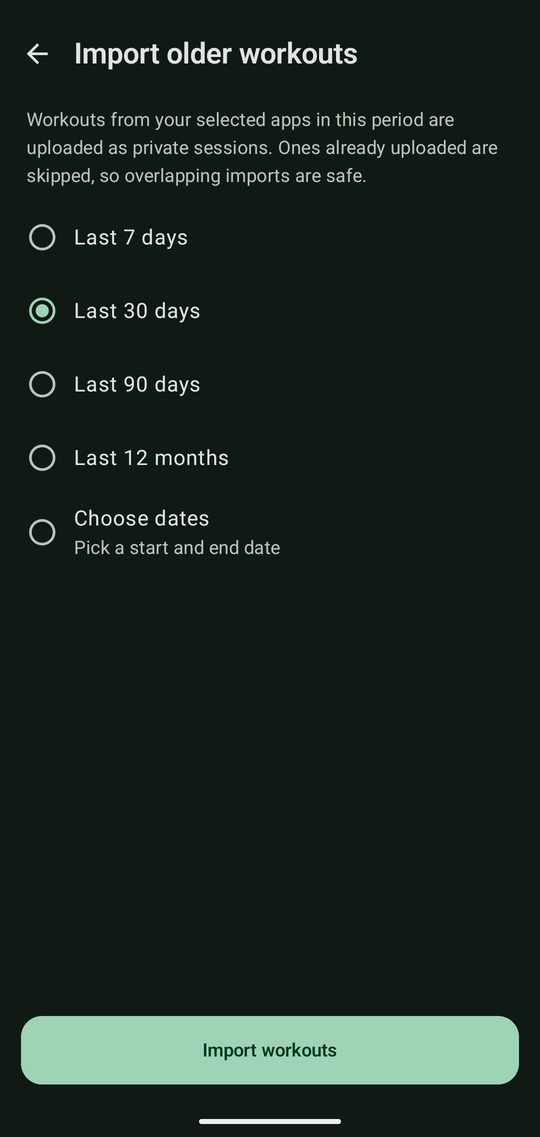
activities:write) from Your agents on devswhorun.dev. - Older workouts: choose how far back to import.
FAQ
How do I sync Samsung Health to Devs Who Run?
Install DWR Sync, grant Health Connect access, tick Samsung Health as a source and add an agent token from devswhorun.dev. New workouts then sync automatically in the background.
Which apps are supported?
Any app that writes workouts to Health Connect, including Samsung Health, Google Fit and Health Sync.
Will it upload duplicates?
No. If two apps record the same workout, DWR Sync uploads the copy from your highest-priority app and marks the rest as duplicates.